Notifications & Settings
Configure Windows and email notifications, custom color themes, and account settings in ConfigCobra.
Log in to ConfigCobra
Access the ConfigCobra application using your credentials.
Log in at app.configcobra.com ↗ using your credentials.
Navigate to Settings
Go to the Settings section to configure your notification preferences and account options.
Go to the Settings page in the main navigation menu.
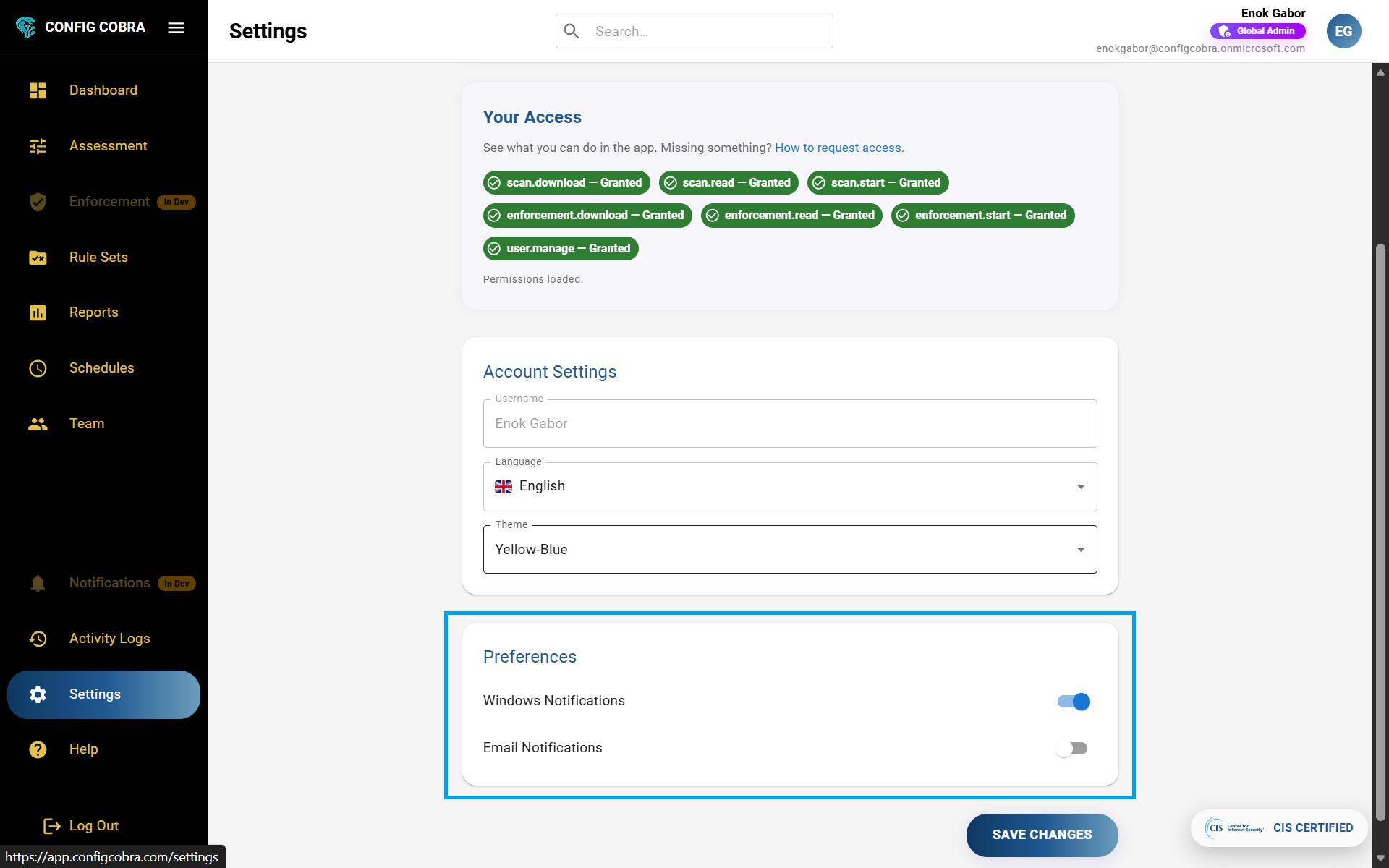
Configure account settings
Customize your account appearance and preferences in the Account Settings section.
Under Account Settings, you can:
- Select custom color themes to personalize your ConfigCobra interface
Configure notification preferences
Enable Windows and email notifications to stay informed about assessment results and account changes.
Under Preferences, you can turn on the following notification options:
- Windows Notifications – You will get notified in your Windows notification center if an ad hoc scan finished
- Email Notifications – Notifies you about:
- Assessment runs (scheduled and manual)
- User changes (added user, deleted user)
- Permission changes
- And other important account events
Notification Types #
When: Ad hoc scan finishes · Assessment completes · Real-time updates
When: Assessment runs complete · Users added or removed · Permission changes · Account events