Scheduled Scans
Automate your compliance assessments by scheduling regular CIS Benchmark scans with daily, weekly, or monthly runs.
Log in to ConfigCobra
Access the ConfigCobra application using your credentials.
Log in at app.configcobra.com ↗ using your credentials.
Navigate to Scheduler tab
Go to the Scheduler section to manage your automated assessment schedules.
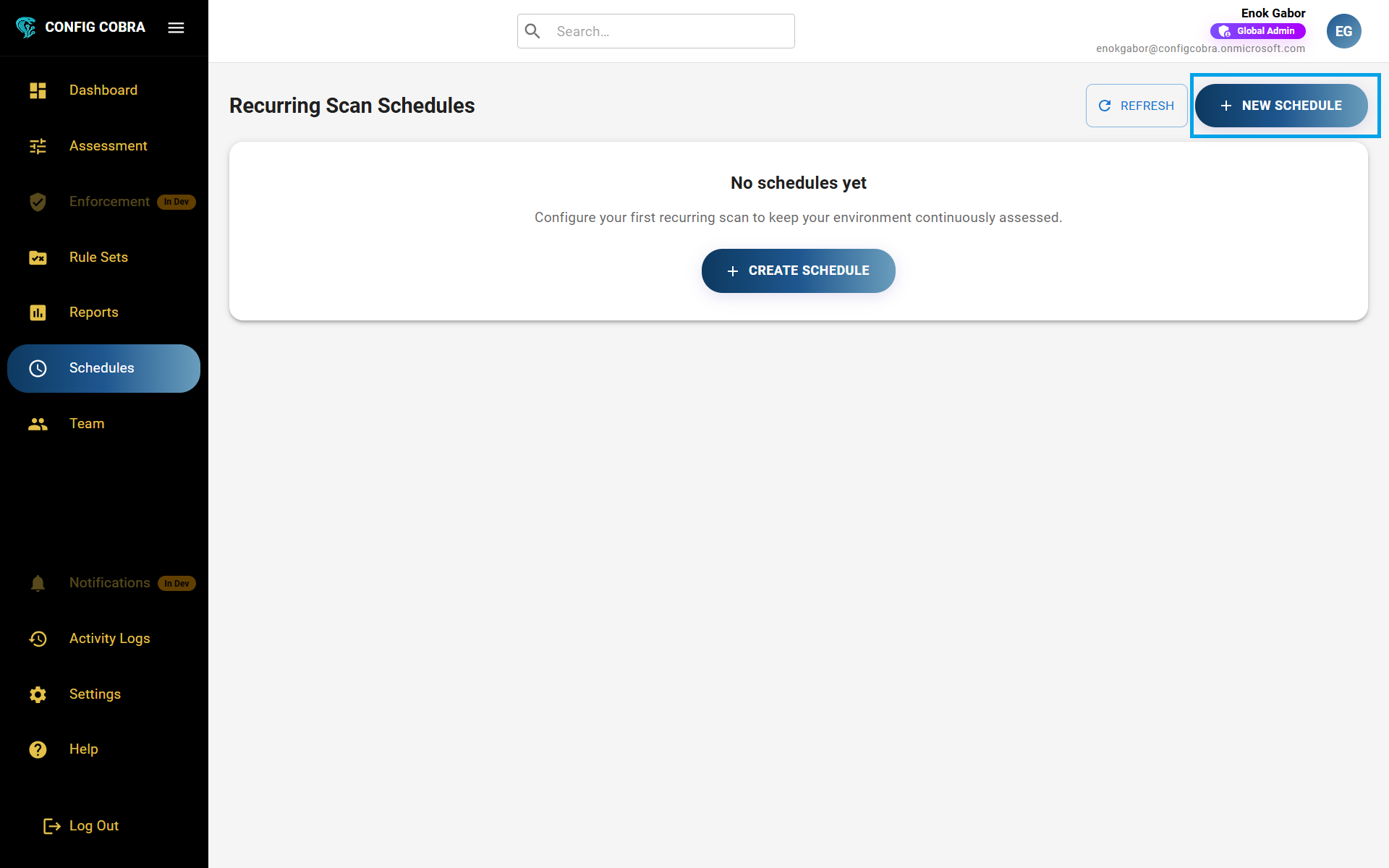
Go to the Scheduler tab in the main navigation menu.
Create a new schedule
Set up automated assessment runs by creating a new schedule with your preferred timing and benchmark selection.
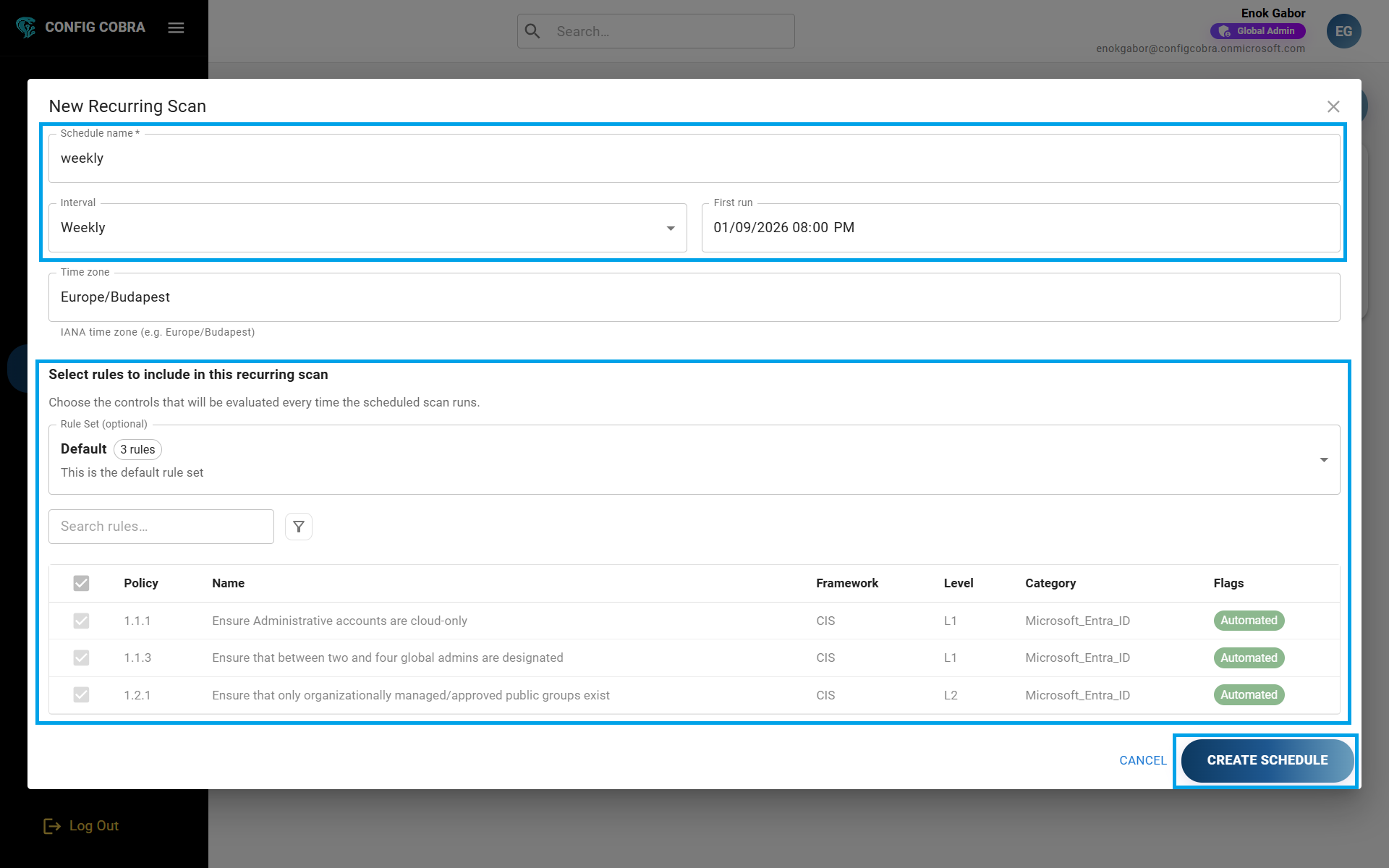
Press "Create New Schedule" in the top right corner, then configure your schedule:
- Add a name for your schedule
- Select the desired timeframes (daily, weekly, monthly, or custom)
- Choose either a rule set (learn more about rule sets) or a custom selection of specific benchmarks
- Press "Create Schedule" to activate it
Edit an existing schedule
Modify the name, timing, or benchmark selection of your scheduled assessments.
To edit a schedule, press the edit icon on the right side of the desired schedule. You can update the name, timeframes, or change the rule set or benchmark selection.
Delete a schedule
Remove schedules that are no longer needed from your account.
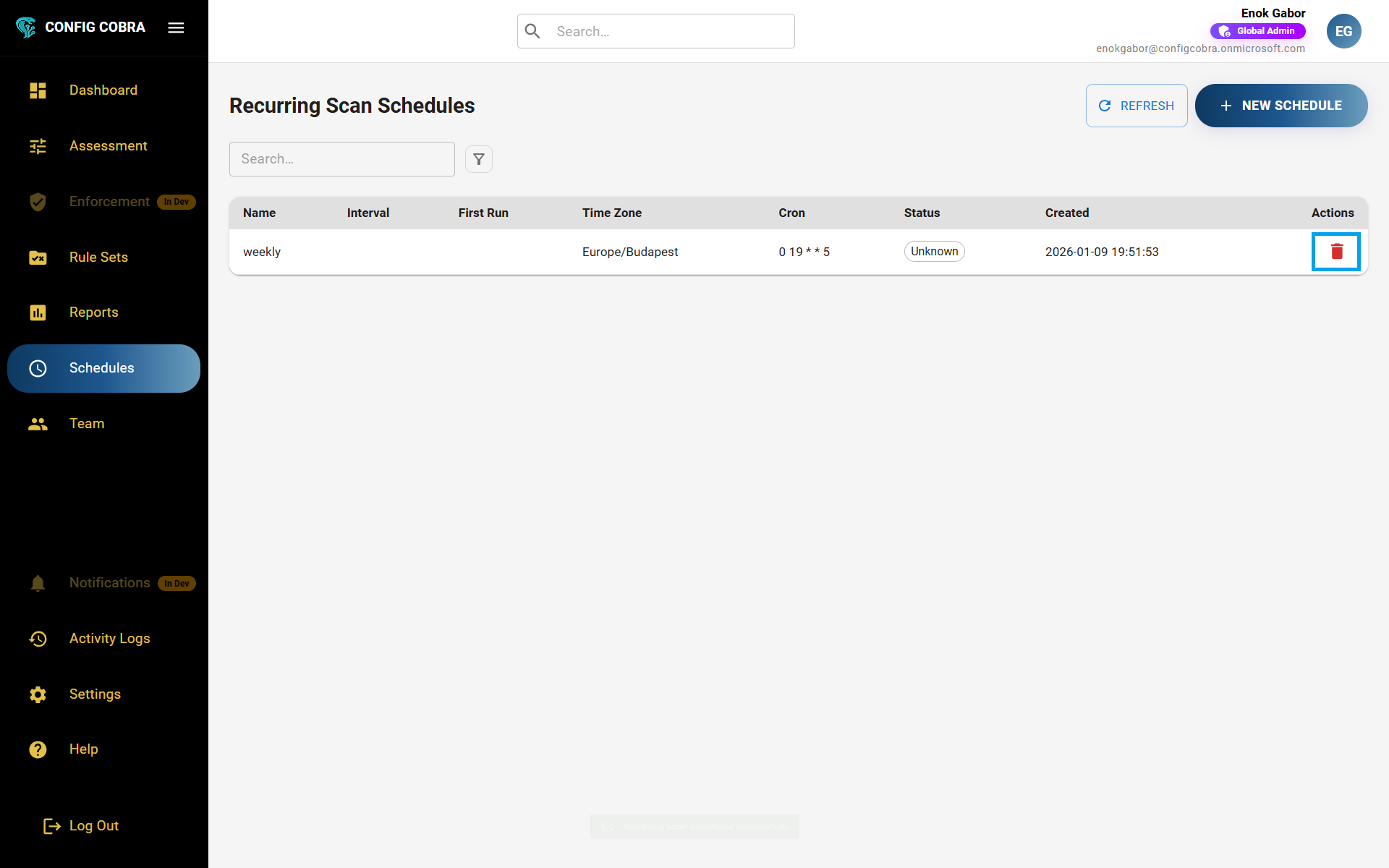
!To delete a schedule, press the delete button on the right of the desired schedule. This will stop all future automated runs for that schedule.
Receive email notifications
Get notified automatically after each scheduled assessment run completes.
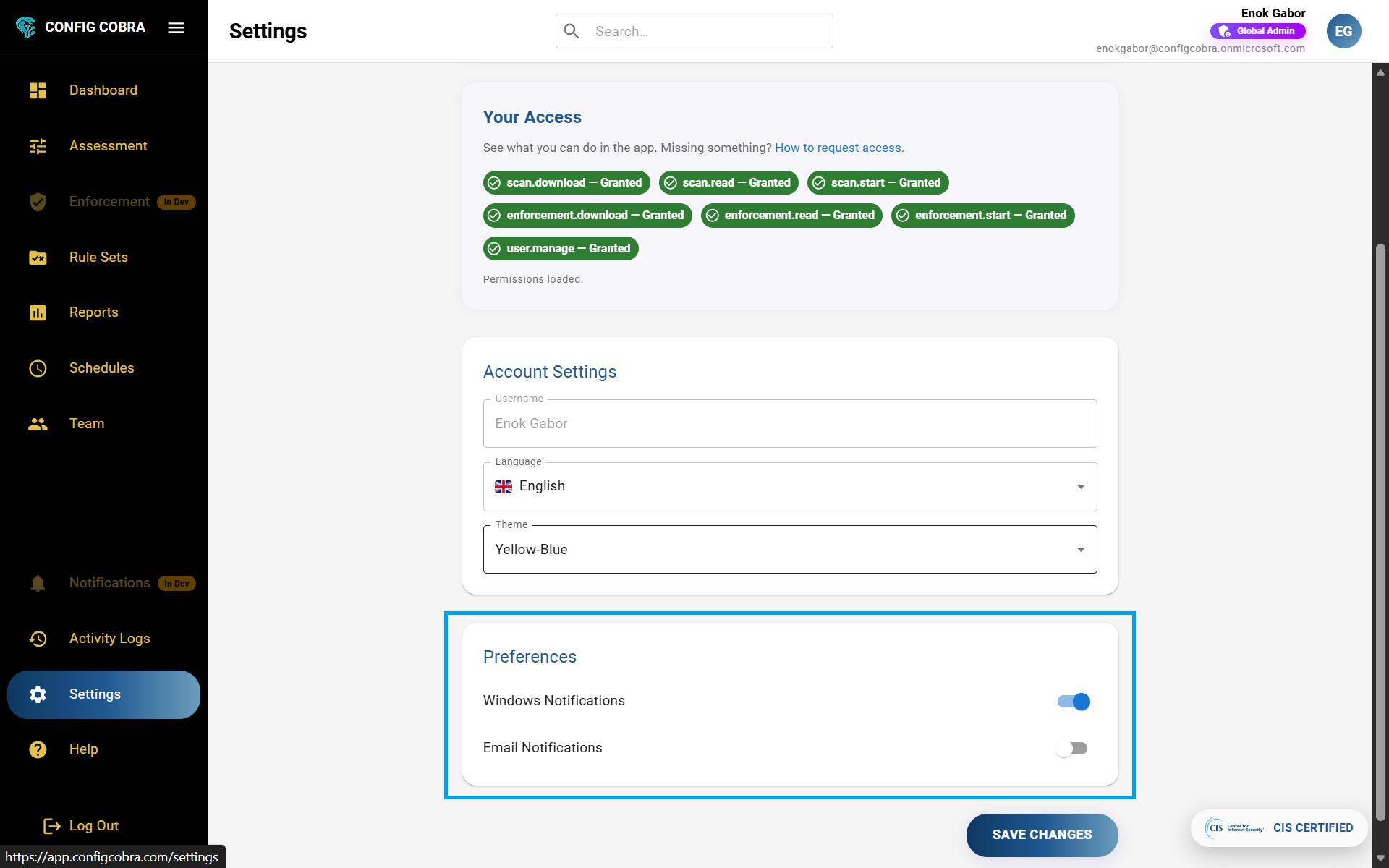
After each scheduled assessment run ends, you will receive an email notification with the results. Learn more about notifications and how to configure your email preferences.
Scheduling Frequencies #
ConfigCobra supports the following scheduling frequencies: