AI Assistant (MCP)
Ask your AI assistant
about your posture.
ConfigCobra ships a native MCP (Model Context Protocol) server. Connect Claude, Cursor or any MCP-capable client and ask plain-language questions about your posture, findings and global admins. Answers draw on live ConfigCobra scan data.
The MCP server answers about
Ask in plain language. Get answers from your scans.
Your posture score, per-control results and per-user evidence, read live from ConfigCobra.
Answers grounded in your own results.
Not generic advice: the assistant reads what your scans found.
Live data
Answers from your own scan results.
The assistant reads your posture score, per-control results and per-user evidence from ConfigCobra, so every answer is about your own environment.
Cloud Security Posture Management (CSPM) →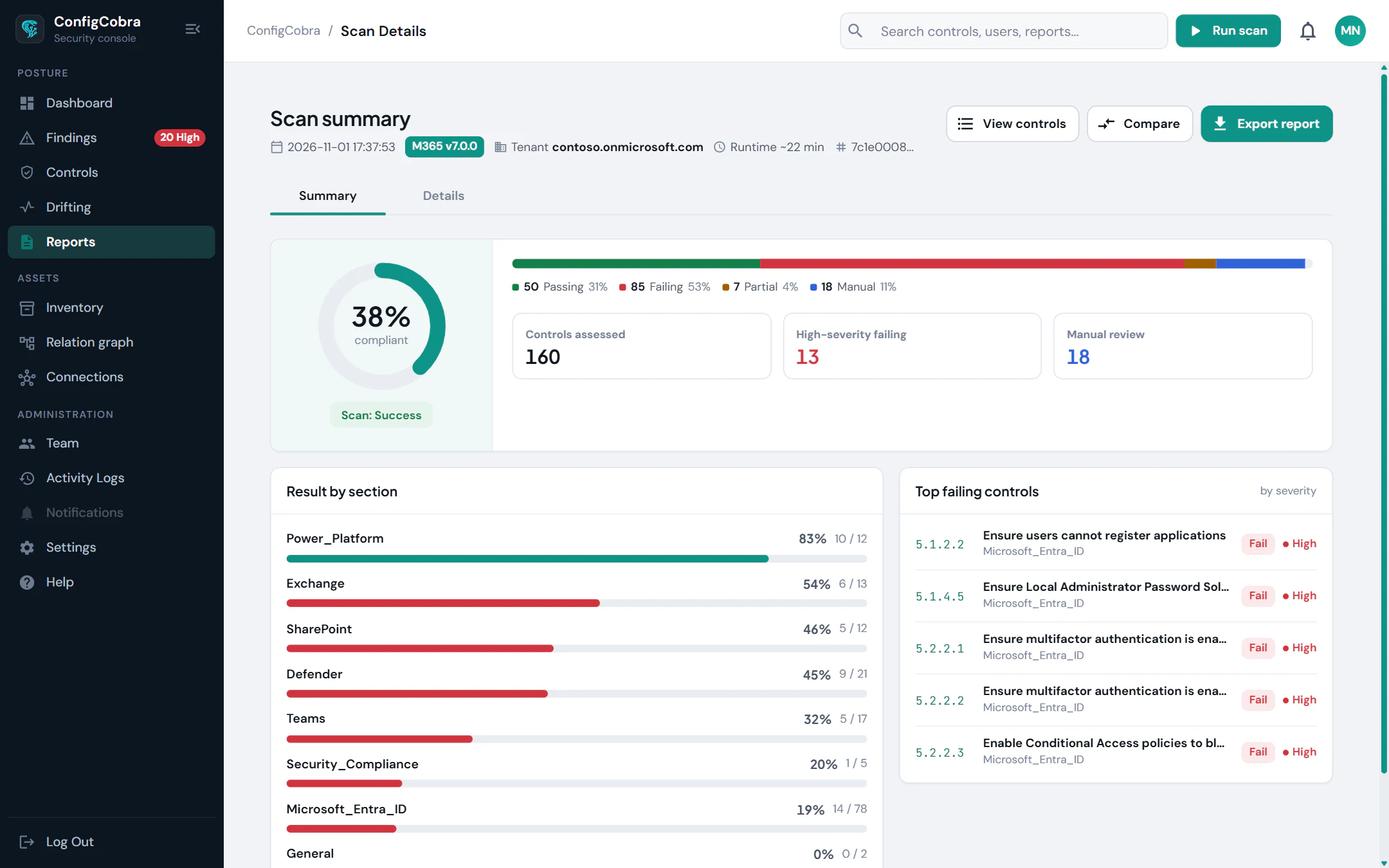
Works with the assistant you already use.
The MCP server is compatible with Claude, Cursor and any other MCP-capable client. Setup guide →
Native MCP server
Natural-language questions over live scan data
Works with Claude, Cursor and any MCP-capable client
Built on the CIS benchmarks.
- CIS controls checked today
- 898
- CIS benchmarks
- 10
- connectors live
- 4
Per-cloud benchmarks and control counts are on the connector pages.
Used in these solutions
Frequently asked questions
What is the ConfigCobra MCP server?
A native Model Context Protocol server that connects ConfigCobra to MCP-compatible AI assistants, so you can ask questions about your posture in plain language.
Which AI clients are supported?
Claude, Cursor and any MCP-capable client.
Where do the answers come from?
From live ConfigCobra scan data: your posture score, per-control results and per-user evidence.
Do I need a ConfigCobra account?
Yes, the MCP server reads your ConfigCobra scan data. You can start with the 14-day free trial, which gives you full access.
Try AI Assistant (MCP) on your own tenant.
Free trial: 14 days with full access. Read-only. Or see the whole platform.