For MSPs
Every client tenant,
one workspace.
Run the same read-only CIS assessment for every client, hand over a report they can keep, and license each tenant only for the engagement.
All your clients at a glance.
Each client tenant with its own score, assessment and licence, in one workspace.
Built for working across many tenants.
Assess
The same CIS assessment for every client.
Each tenant is checked against the CIS benchmarks for its cloud, control by control, with read-only access and no agents.
Browse the standards →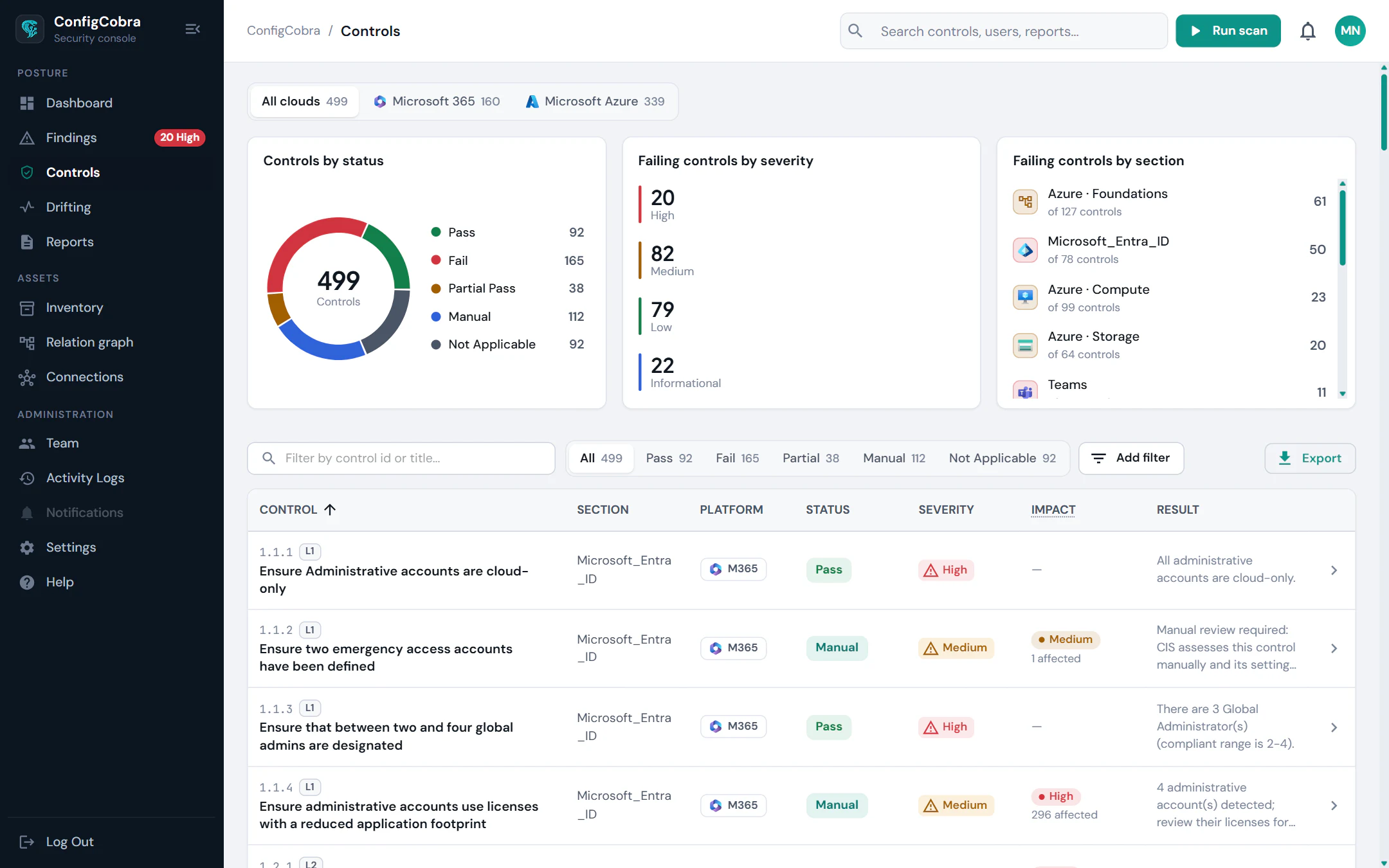
Prioritise
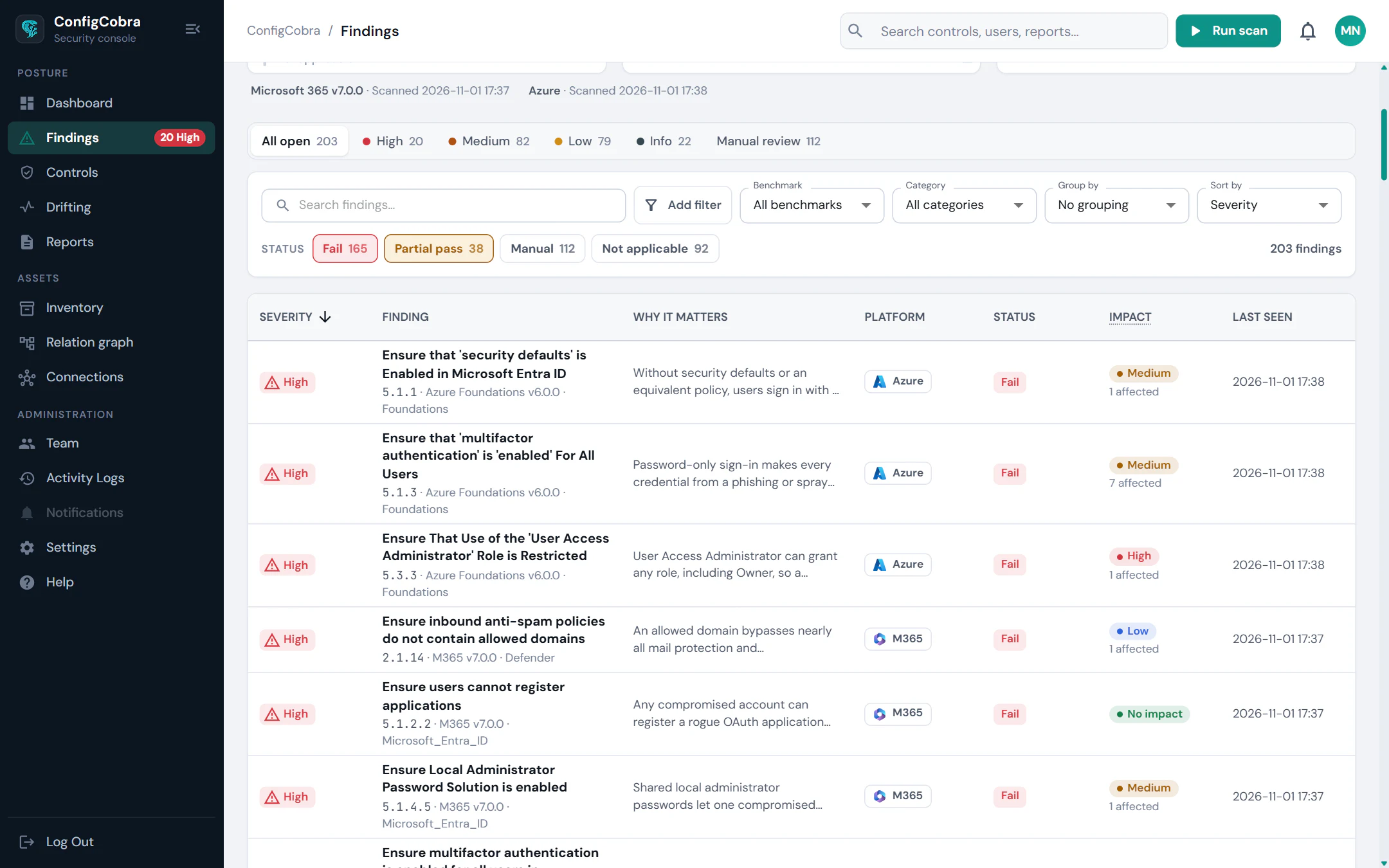
Show each client what to fix first.
Findings carry ConfigCobra's severity estimate and a copy-paste remediation script or admin portal steps.
Report
Hand over a report the client can keep.
Each assessment becomes a PDF report with findings, evidence and a timestamped tenant snapshot.
Reports & Evidence →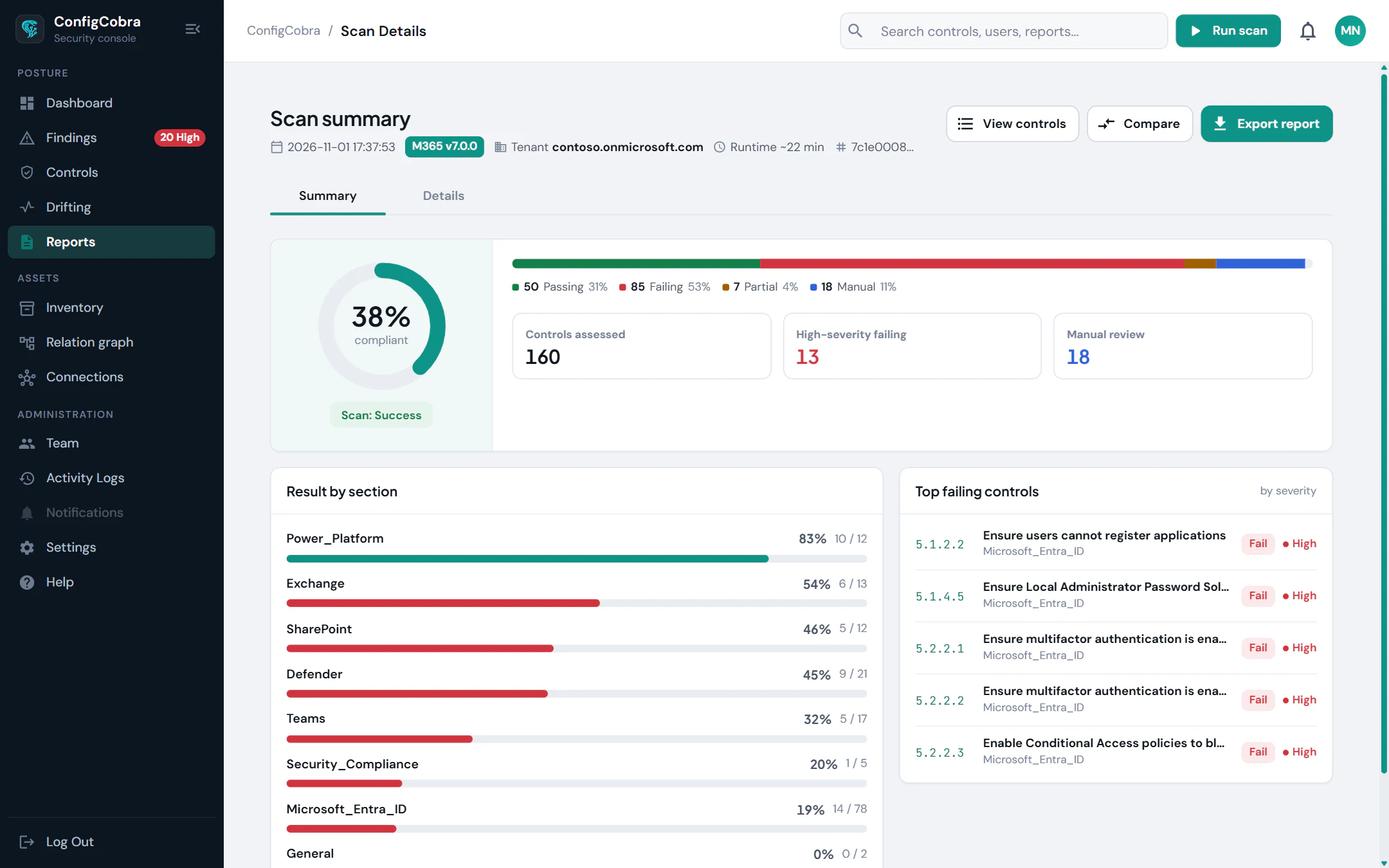
Share
Give the client a read-only seat.
Invite the client, or their external auditor, to see the results without admin rights.
Audit & Evidence →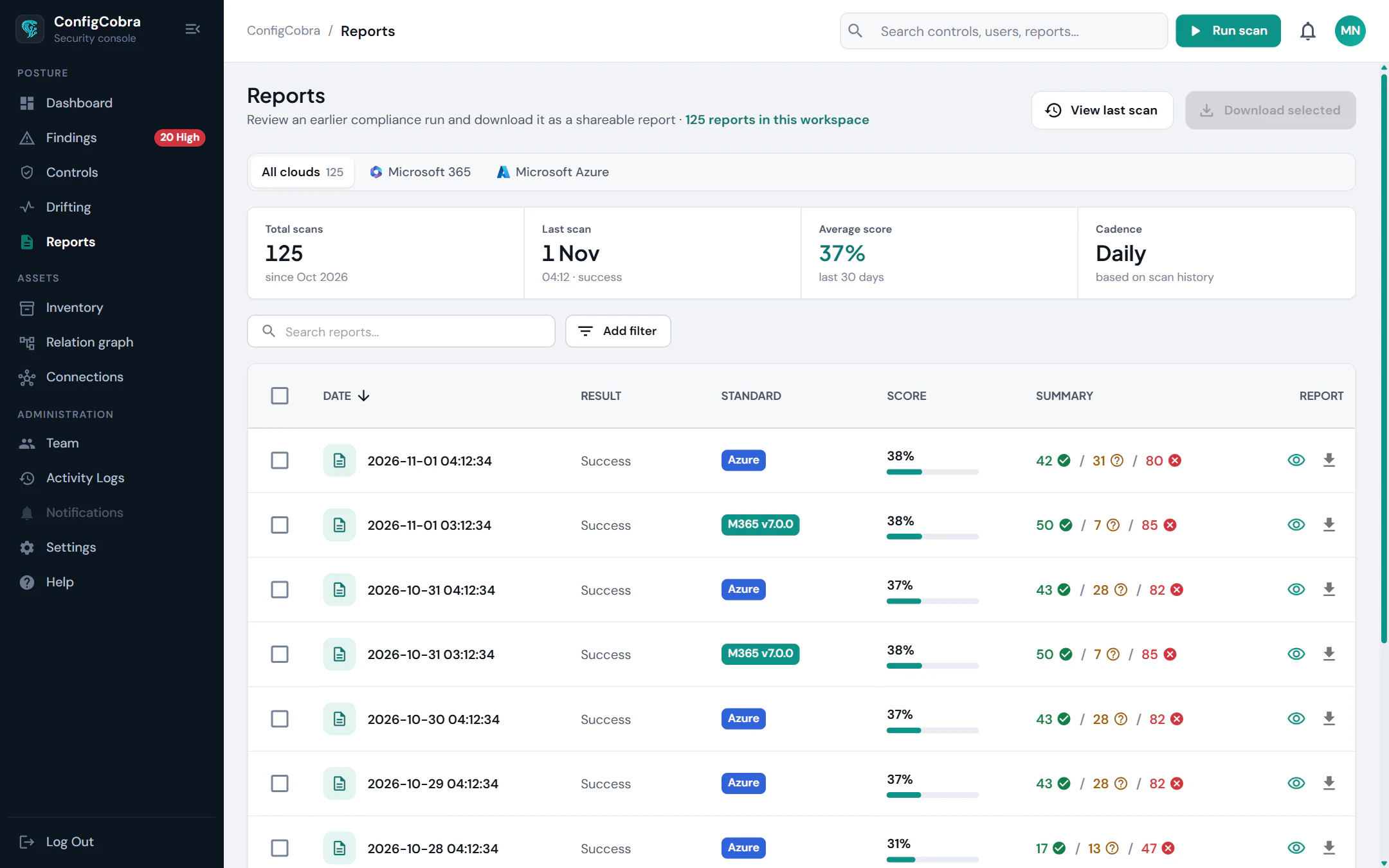
Everything a client engagement needs.
Multi-tenant workspace
Read-only access
Severity estimate per control
Evidence for every finding
Read-only client seat
Built on the CIS benchmarks.
- CIS controls checked today
- 898
- CIS benchmarks
- 10
- connectors live
- 4
Per-cloud benchmarks and control counts are on the connector pages.
ConfigCobra for MSPs
The offer
Assessment License
- One-time licence, per tenant
- Expires when the audit closes
- Every available module included
Frequently asked questions
How is ConfigCobra licensed for MSPs?
With the Assessment License: one-time, per tenant, with a flexible duration that expires when the audit closes. Contact us for a quote.
Do I need admin credentials from each client?
No admin password sharing. ConfigCobra connects with read-only permissions and installs no agents. Each connector page lists the exact permissions.
Can my client see the results?
Yes. Invite the client with a read-only seat, and hand over the PDF report with findings, evidence and a timestamped tenant snapshot.
Which clouds can I assess?
Each connector is checked against the CIS benchmarks for that cloud. The connector pages list the benchmarks, control counts and which clouds are coming soon.
Try it on a real tenant
Tell us about the tenant and the engagement and we will send a quote for an Assessment License. Or start a free trial first.